Game Server Performance Optimization: The Ultimate Guide
Maximize your game server performance with these proven optimization techniques. From tick rates to network configuration.

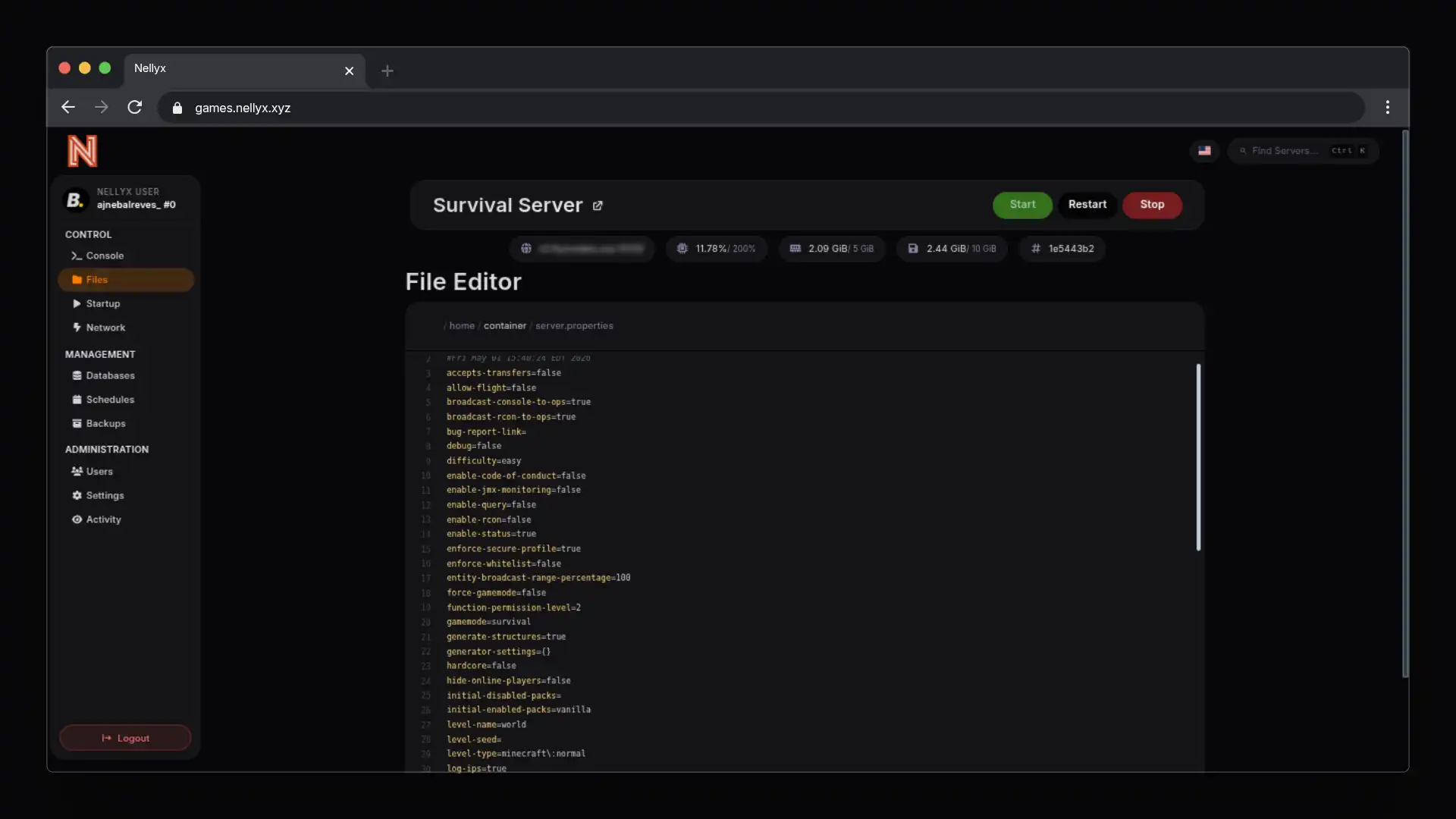
Why Performance Matters
Every millisecond counts in online gaming. A laggy server means unhappy players—and unhappy players leave.
This guide covers essential optimizations for game servers running on Nellyx infrastructure.
Hardware Selection
CPU: Clock Speed vs Cores
For most game servers, clock speed matters more than core count.
| Game Type | Recommended |
|---|---|
| Minecraft | 3.5GHz+ (any cores) |
| Valheim | 3.0GHz+ minimum |
| Rust | 4.0GHz+ recommended |
| Counter-Strike | 4.5GHz+ optimal |
RAM: Allocation Guidelines
Running out of RAM causes catastrophic lag. Here’s what we recommend:
Minecraft (Paper):     6GB  + players  / slot
Minecraft (Vanilla):  4GB  + players  / slot
Valheim:               4GB  + players  / slot
Rust:                  8GB  + players  / slot
Ark Survival:         12GB  + players  / slot
Storage: NVMe is Non-Negotiable
HDD storage will bottleneck your server. Always use NVMe:
- NVMe Gen4: Up to 7,000 MB/s read
- SATA SSD: ~550 MB/s read
- HDD: ~100 MB/s read
Nellyx servers include NVMe storage by default.
Server Configuration
Tick Rate Optimization
Tick rate determines how often the server updates. Higher isn’t always better:
# View current tick rate (Minecraft)
/tps

# Recommended tick rates:
- Casual survival: 20 tps
- Technical/Factions: 18-20 tps
- Minigames: 20 tps
JVM Arguments (Minecraft)
Optimize your JVM startup flags:
# Recommended flags for Paper/Spigot
-XX:+UseG1GC -XX:+ParallelRefQueueEnabled -XX:MaxGCPauseMillis=200 -XX:+UnlockExperimentalVMOptions -XX:G1NewSizePercent=20 -XX:G1MaxNewSizePercent=60 -XX:G1HeapRegionSize=16M -XX:G1ReservePercent=15 -XX:InitiatingHeapOccupancyPercent=20 -XX:G1HeapWastePercent=5
View Distance
Finding the sweet spot between view and performance:
# Recommended view distances
Survival:    8-10 chunks
Skyblock:    5-7 chunks
Minigames:   4-6 chunks
Network Optimization
Upload Speed
Game servers are upload-heavy. Always have more upload than download:
| Players | Minimum Upload |
|---|---|
| 10 | 50 Mbps |
| 25 | 100 Mbps |
| 50 | 200 Mbps |
| 100 | 500 Mbps |
Nellyx offers 10Gbps uplinks on all servers.
Latency Reduction
Reduce latency with these tips:
- Use closest region — Deploy to the region nearest to your players
- Choose the best available location — Place the server where it gives your main player base the lowest practical latency
- Enable QoS — Quality of Service prioritizes game traffic
- Disable NAT — Direct IP access reduces hop count
Monitoring & Maintenance
Essential Metrics
Track these metrics daily:
- TPS (Ticks per second) — Should be 20.0
- MSPT (Milliseconds per tick) — Should be under 50ms
- Memory usage — Keep below 80%
- CPU usage — Keep below 70%
Automated Restarts
Schedule daily restarts to clear memory leaks:
# Restart script example (crontab)
0 4 * * * systemctl restart minecraft
Summary
Performance optimization is an ongoing process. Start with:
- ✓ NVMe storage (non-negotiable)
- ✓ Adequate RAM allocation
- ✓ Optimized JVM flags
- ✓ Proper view distance
- ✓ sensible location planning
Need help? Open a ticket or reach out on Discord and we can help you review your setup.
Running smooth? Deploy your server at nellyx.xyz
Related Articles
Minecraft Server Optimization Guide: From Vanilla to Paper
The complete guide to optimizing your Minecraft server for maximum performance. Covers Paper, Spigot, configuration files, JVM flags, and more.
Cybersecurity in Pterodactyl: Protecting Your Game Servers
Learn best practices for securing your Pterodactyl panel and game servers. Implement strong authentication, SSL/TLS, and access controls.